
Unified Inbox
From its catalog listing
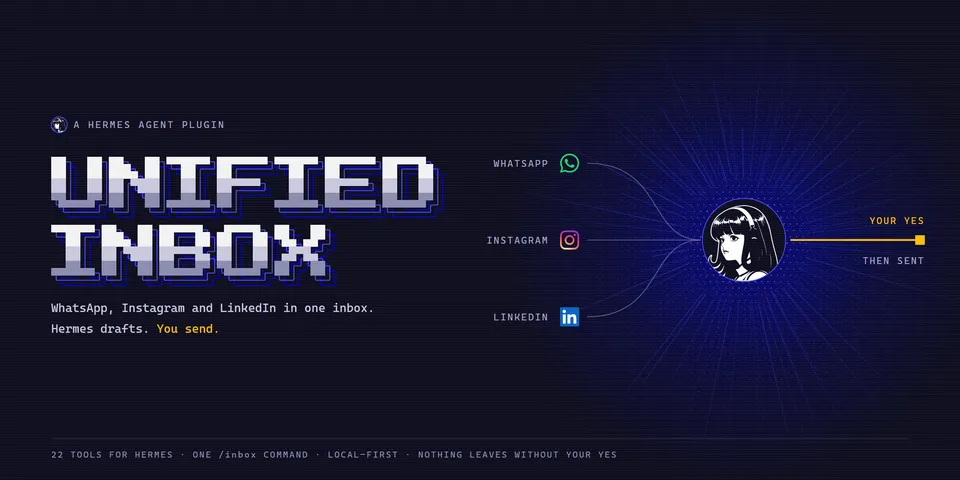
One inbox for the user's WhatsApp, Instagram and LinkedIn messages through their own Unipile account (API v2): a synced local copy, search in any language, triage with a reason for each chat, memory of people and open items, drafts in the user's own writing style, scam warnings, plans offered for the calendar, translation, a people radar and a spoken brief, plus an Inbox page in the web dashboard and Hermes Desktop. Every send and reaction goes through Hermes's own approval prompt (a pre_tool_call hook) and is refused when approval would be skipped (yolo mode, approvals off, cron), under hard pacing limits.
Good to know before installing
calls the Unipile API (api.unipile.com) with the user's key; Unipile reaches WhatsApp, Instagram and LinkedIn through unofficial access, which may break those platforms' terms. Every send and reaction goes through Hermes's own approval prompt and is refused under yolo mode, approvals off or unattended runs; the model may attach any file the user can read (key and login files excepted), and each file is named in that prompt. Optional and off until configured: a cloud embedding provider (OpenAI, Gemini, Cohere or Voyage AI) that receives message text, the user's own Supabase project for two-way sync (api.supabase.com once, to create tables), a private iCal address read for busy times, a webhook receiver on 127.0.0.1 that accepts only HMAC-signed Unipile deliveries, and alerts injected into a chat the user picks. Runs a background sync thread by default that summarises, drafts and translates new messages with Hermes's model (capped per day); text sent to a model or provider has one-time codes, passwords and card, bank and ID numbers removed first. Stores chats, messages, memory and a send log in SQLite under the plugin's data folder; secrets come only from Hermes's secret store. Calls Hermes internals that are not a stable plugin API (tools.transcription_tools.transcribe_audio for voice notes, private tools.approval checks). No telemetry, no shell commands, no self-update.
From its catalog listing.
How to install
- Install it. Hermes asks for any API keys it needs, then asks whether to turn it on.
hermes plugins install unified-inbox - Said no? Turn it on later:
hermes plugins enable unified-inbox - Restart Hermes so it loads the plugin.
Some plugins also need a sign-in or settings: see Full setup & settings. Memory plugins ask whether to become your memory provider instead. Steps follow the official plugins guide (opens in a new tab).
- Category
- Chat apps & voice
- Maintained by
- krushna-sahu1 (Community)
- Needs
- No API keys declared
- Adds tools
inbox_statusinbox_list_chatsinbox_read_chatinbox_searchinbox_triageinbox_updatesinbox_contextinbox_loopsinbox_memoryinbox_scheduleinbox_watchinbox_draft_replyinbox_list_draftsinbox_sendinbox_reactinbox_attachmentinbox_mark_readinbox_safetyinbox_calendarinbox_translateinbox_radarinbox_brief- Adds hooks
pre_tool_call- Needs Hermes
- 0.23.0 or newer
- Version
- 1.4.1
- In the catalog
- 2026-11-10
Using the Hermes desktop app? See where plugins live

Full setup & settings ↗Source code ↗
More in chat apps & voice
New Hermes Agent updates every day on X. Follow @HermesWatcher