
Token Master
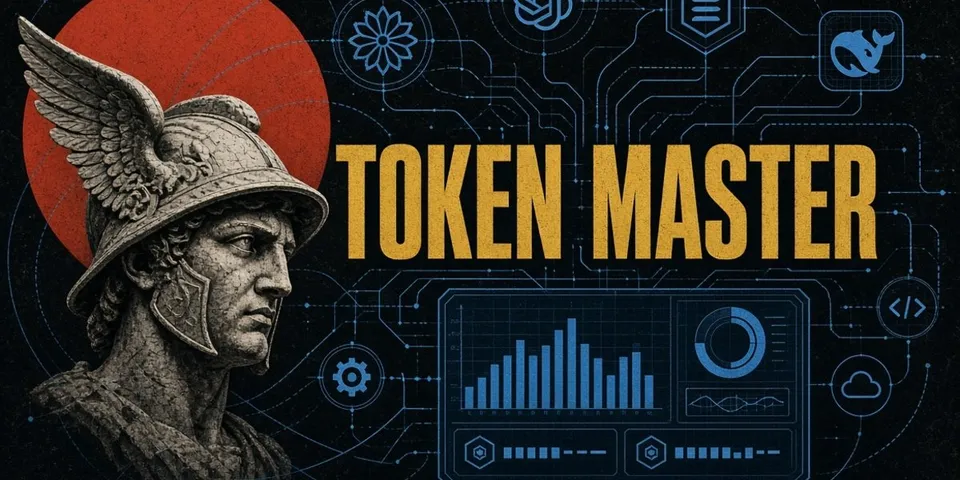
From its catalog listing
Token spend analytics for Hermes Desktop: one stacked daily chart of token consumption across every Hermes profile, provider and account on the machine (7D/30D/90D/1Y, stacked by token class, provider, profile or source), per-provider / per-profile / per-model / per-task breakdowns, and an Accounts and limits card that marks each credential as subscription (quota), pay-per-token API spend or free and shows the live allowance windows Hermes can fetch. It reads the token accounting Hermes already records — every profile's state.db opened read-only, plus DeepSeek Harness session files — and adds no collection of its own.
Good to know before installing
reads every Hermes profile's state.db token accounting read-only, DeepSeek Harness session files under ~/.dsh, and the labels, ids and status of Hermes credential-pool entries (no token values); `Refresh limits` goes through Hermes' read-only fetch_account_usage(provider, read_only=True) to the provider's usage endpoint (no token is refreshed, rotated or stored); the optional `Sync now` button runs ssh with your own SSH setup into a host you added and streams the bundled read-only collector into that host's python3, installing and writing nothing there, and the Remote machines card runs `tailscale status --json` to offer online peers (discovery only — adding a host is still a click); state lives in plugin-data/token-master/ on the root Hermes home only; no telemetry, no background process.
From its catalog listing.
How to install
- Install it. Hermes asks for any API keys it needs, then asks whether to turn it on.
hermes plugins install token-master - Said no? Turn it on later:
hermes plugins enable token-master - Restart Hermes so it loads the plugin.
Some plugins also need a sign-in or settings: see Full setup & settings. Memory plugins ask whether to become your memory provider instead. Steps follow the official plugins guide (opens in a new tab).
- Category
- AI models & providers · Hermes Desktop add-ons
- Maintained by
- karmsheel (Community)
- Needs
- No API keys declared
- Needs Hermes
- 0.23.0 or newer
- Version
- 0.1.0
- In the catalog
- 2026-11-12
Known issues (from its catalog listing)
- History is per provider and per profile, not per login: neither Hermes' usage table nor the DeepSeek Harness ledger records which credential served a request, so tokens cannot be split by account. Per-account quota is live, but per-account token history would have to be recorded forward-only.
- Days are bucketed by last activity (a Hermes row carries last_seen; a DeepSeek Harness session is attributed to its file's last write), so a session spanning midnight lands on the day it finished.
- Token counts cover one machine: remote machines are read only after you add an SSH host and press Sync now. Provider quotas are account-wide, so the percentage windows still cover every machine and tool using that account.
- Quota sampling is passive: a sample is appended only while the page or a limits refresh is open, so the burn-rate trend means 'what happened while I was watching'. Live windows exist where Hermes ships a fetcher (anthropic, openai-codex, opencode-go, openrouter); nous and xai-oauth expose none and the card says so.
- Tested on Windows 11 against Hermes 0.23.0. The backend and Desktop page are platform-neutral; install.ps1 is PowerShell-only, and everywhere else `hermes plugins install token-master` is the install path.
Using the Hermes desktop app? See where plugins live

Full setup & settings ↗Source code ↗
More in ai models & providers
All ai models & providers plugins
New Hermes Agent updates every day on X. Follow @HermesWatcher