
Hermes Live
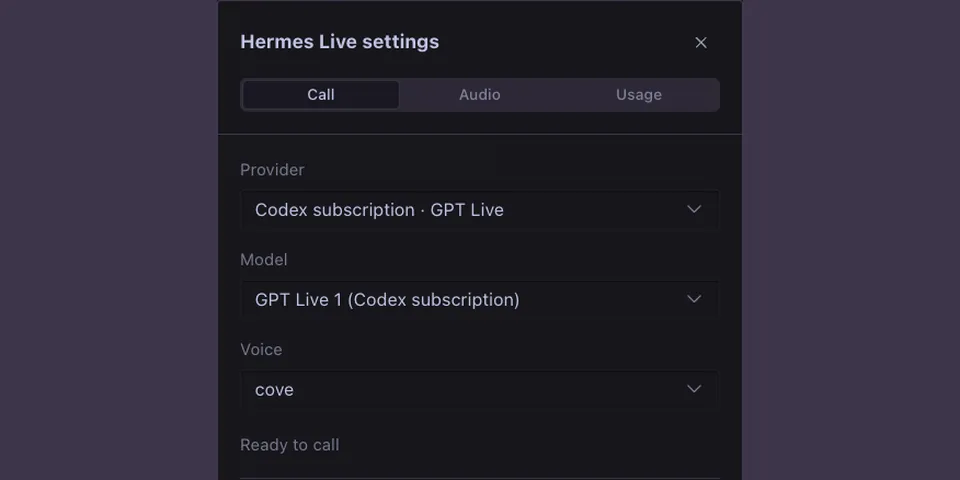
From its catalog listing
Multi-provider live voice calls with Gemini, Grok, Qwen, and a Codex subscription in Hermes Desktop.
Good to know before installing
voice audio and recent chat go only to the live-voice provider the user picks (Gemini, Grok or Qwen); the Codex option drives the user's own Codex CLI on its own ChatGPT login; tasks the voice model submits run as normal Hermes chat turns with the usual approvals.
From its catalog listing.
How to install
- Install it. Hermes asks for any API keys it needs, then asks whether to turn it on.
hermes plugins install hermes-live - Said no? Turn it on later:
hermes plugins enable hermes-live - Restart Hermes so it loads the plugin.
Some plugins also need a sign-in or settings: see Full setup & settings. Memory plugins ask whether to become your memory provider instead. Steps follow the official plugins guide (opens in a new tab).
- Category
- Chat apps & voice
- Maintained by
- dandacompany (Community)
- Needs
- No API keys declared
- Works on
- macos
- Needs Hermes
- 0.22.5 or newer
- Version
- 0.9.2
- In the catalog
- 2026-11-05, updated 2026-11-10
- GitHub stars
- 1
Known issues (from its catalog listing)
- Codex voice and quota use the backend user's Codex CLI ChatGPT login, not Hermes-owned subscription authentication.
- Profiles sharing an OS user and CODEX_HOME can share the Codex account. Remote end-to-end calls and Windows/Linux have not been verified.
- Voice can keep waiting when a delegated Hermes task pauses for user input; answer in the chat. End another active voice call before starting.
Using the Hermes desktop app? See where plugins live

Full setup & settings ↗Source code ↗
More in chat apps & voice
New Hermes Agent updates every day on X. Follow @HermesWatcher