
Vitrail
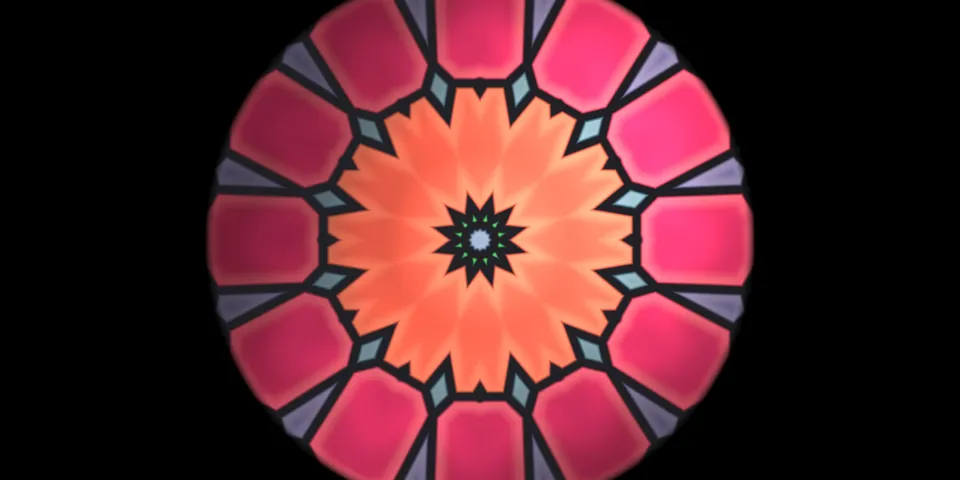
From its catalog listing
Live GLSL shaders in the chat. Ask for a visual and the model writes a Shadertoy-style fragment shader that animates inside the reply in Hermes Desktop, with the sliders, colour pickers and switches it declared as annotated uniforms. Before vitrail_render returns, the Desktop half compiles the shader with WebGL 2 on the user's GPU and reports the verdict, so a compile error goes back to the model with the driver log and the model fixes it in the same turn; a still frame comes back too, for models with a vision tool. The card is drawn through a tool media renderer where Desktop has one and through a ::vitrail transcript directive where it does not (Desktop 0.22.5). Other surfaces (Telegram, CLI, TUI) get a standalone HTML player of the same shader. Adds a gallery page with hover-to-play tiles, GLSL copy and 1920x1080 PNG export, the vitrail_render and vitrail_library tools, the vitrail:shader-studio skill, and post_tool_call / transform_llm_output hooks that append the shader's delivery line (MEDIA file or directive) when a reply lacks it.
Good to know before installing
no network calls, no shell commands, no credentials, no telemetry; GLSL written by the model runs on the user's GPU through WebGL 2 in the Desktop window; files are written only under plugin-data/vitrail (per shader: source, standalone HTML player, GPU report, a 640x360 JPEG still, exported PNGs); the still's path is given to the model, which may open it with its vision tool; while a Desktop window is open its half calls the plugin's own local route once a minute so the tool knows a GPU is listening and which transcript surface it has, and vitrail_render then waits up to 6 s for the verdict.
From its catalog listing.
How to install
- Install it. Hermes asks for any API keys it needs, then asks whether to turn it on.
hermes plugins install vitrail - Said no? Turn it on later:
hermes plugins enable vitrail - Restart Hermes so it loads the plugin.
Some plugins also need a sign-in or settings: see Full setup & settings. Memory plugins ask whether to become your memory provider instead. Steps follow the official plugins guide (opens in a new tab).
- Category
- Coding & developer tools · Hermes Desktop add-ons
- Maintained by
- elomkdn (Community)
- Needs
- No API keys declared
- Adds tools
vitrail_rendervitrail_library- Adds hooks
post_tool_calltransform_llm_output- Needs Hermes
- 0.23.0 or newer
- Version
- 0.1.0
- In the catalog
- 2026-11-12
Known issues (from its catalog listing)
- The live card needs Hermes Desktop 0.22.5 or later with the plugin's Desktop switch on in Capabilities → Plugins (it is off by default); other surfaces get the standalone HTML player.
- On a Desktop without tool media renderers the card is drawn from a ::vitrail directive; a messaging platform that shares the chat while that Desktop is open shows the directive as a line of text.
- GPU verification needs a Desktop window connected to the Hermes that runs the agent; without one the shader is saved unverified and compiles when it is shown.
- Shaders are single-pass and procedural: no textures, buffers or audio inputs.
Using the Hermes desktop app? See where plugins live

Full setup & settings ↗Source code ↗
More in coding & developer tools
All coding & developer tools plugins
New Hermes Agent updates every day on X. Follow @HermesWatcher