
NetEase Cloud Music
From its catalog listing
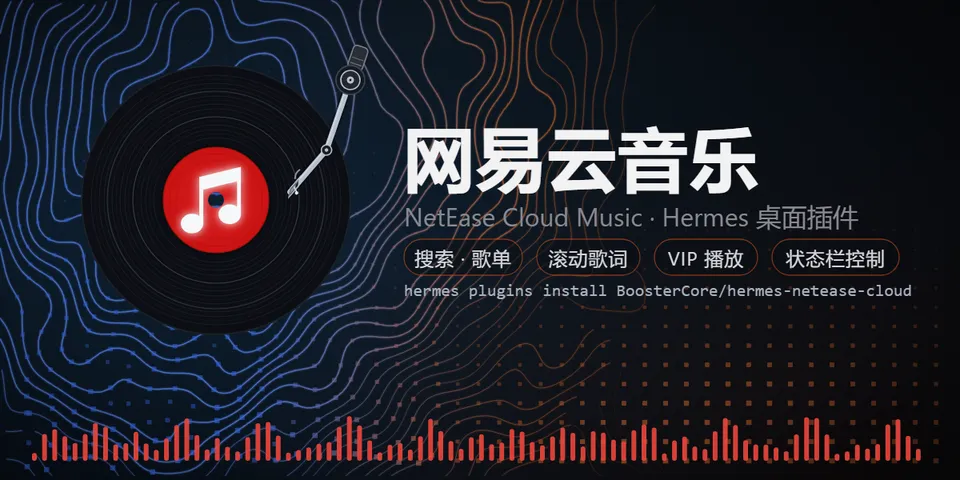
NetEase Cloud Music (网易云音乐) mini player in the Hermes Desktop status bar, in the spirit of the built-in Radio plugin: a compact themed popover with Now Playing (cover + scrolling synced lyrics with the current line highlighted), search for songs and playlists, daily picks / recommended playlists / Personal FM, favorites (heart / Liked Music), browsing and in-panel playback of your own playlists, play/pause/skip/progress/volume with outline-style controls, loop modes (list loop, single loop, shuffle), plus a mini control cluster on the status bar itself with a like/unlike heart, prev/next transport, a live audio-spectrum dot visualiser driven by the Web Audio analyser, and a vinyl-record Now-Playing visual whose articulated tonearm drops on the record while playing and parks off it when paused (v0.5.0). Also offers phone-number + SMS verification-code sign-in as a second login method. Desktop-only UI (desktop/plugin.js on the plugin SDK surface) plus a local FastAPI backend (dashboard/plugin_api.py) that implements NetEase's weapi/eapi request signing (AES-CBC/ECB + RSA) with the Python standard library only — no build step, no extra Python dependencies.
Good to know before installing
unofficial NetEase Cloud Music client: the backend calls only NetEase hosts (music.163.com, interface3.music.163.com, and the p*.music.163.com CDNs for covers and audio) using NetEase's own web/PC client identity (Chrome User-Agent, music.163.com Referer/Origin, eapi os=pc/appver headers, x-os/x-login-chain-id QR-login headers with a locally generated anonymous browser-style cookie set; SMS verification-code login calls NetEase web endpoints /api/sms/captcha/sent and /api/w/login/cellphone with the phone number you type); after you log in, your NetEase session cookie (MUSIC_U) is stored in the plugin's own data/cookie.json and sent only to NetEase hosts, and 'Log out' deletes it; while logged in it reports each played track to NetEase (feedback/webenergy play history) and the heart button likes/unlikes songs on your account; no other third-party services and no telemetry; QR and SMS sign-in may be blocked by NetEase risk control (the panel then surfaces a one-click button to NetEase's official account-verification page); pasting the MUSIC_U cookie remains the documented fallback; VIP songs stream through your own VIP session.
From its catalog listing.
How to install
- Install it. Hermes asks for any API keys it needs, then asks whether to turn it on.
hermes plugins install netease-cloud - Said no? Turn it on later:
hermes plugins enable netease-cloud - Restart Hermes so it loads the plugin.
Some plugins also need a sign-in or settings: see Full setup & settings. Memory plugins ask whether to become your memory provider instead. Steps follow the official plugins guide (opens in a new tab).
- Category
- Languages & regions · Web, research & browsing · Hermes Desktop add-ons
- Maintained by
- BoosterCore (Community)
- Needs
- No API keys declared
- Works on
- linux, macos, windows
- Needs Hermes
- 0.21.5 or newer
- Version
- 0.5.0
- In the catalog
- 2026-11-07, updated 2026-11-11
Known issues (from its catalog listing)
- QR and SMS sign-in can be blocked by NetEase risk control (「检测到当前设备环境异常」/「安全风险」); the panel then shows an 打开验证页面 button for NetEase's official unblock page, or paste the MUSIC_U cookie on the 账号 tab instead (README has a 3-step Chinese guide).
- Playlists load the first 1000 tracks; the panel shows the real total (e.g. 共1859首·显示前1000).
- Audio quality follows your NetEase account (VIP → higher bitrate); the plugin requests exhigh and falls back to standard.
Using the Hermes desktop app? See where plugins live

Full setup & settings ↗Source code ↗
More in languages & regions
All languages & regions plugins
New Hermes Agent updates every day on X. Follow @HermesWatcher