
HUI+ Cards
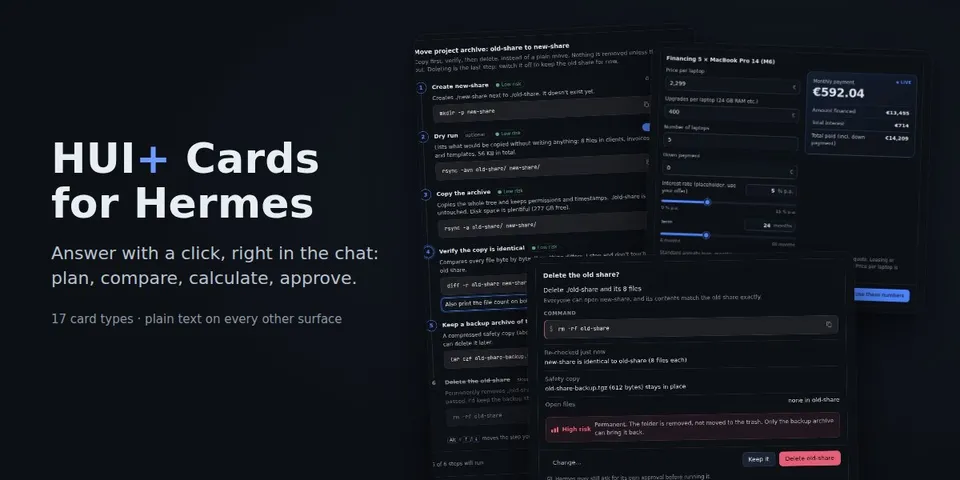
From its catalog listing
Interactive answer cards in Hermes Desktop and the Webapp; your answer goes back as the next message.
Good to know before installing
stores every Desktop card and the user's answers, free text typed into cards included, in the profile's plugin-data/hermes-ui-cards/ (answers.db plus the newest 500 card files; nothing expires by time and deleting a chat does not delete its entries); adds turn context for the model (card answers, confirm-card actions and commands, and a periodic Desktop hint to use cards); Desktop cards load images from https URLs the model supplies, so the image host sees the user's IP; read-only backend routes /api/plugins/hermes-ui-cards/answers and /settings; no telemetry, no credentials, no shell commands.
From its catalog listing.
How to install
- Install it. Hermes asks for any API keys it needs, then asks whether to turn it on.
hermes plugins install hermes-ui-cards - Said no? Turn it on later:
hermes plugins enable hermes-ui-cards - Restart Hermes so it loads the plugin.
Some plugins also need a sign-in or settings: see Full setup & settings. Memory plugins ask whether to become your memory provider instead. Steps follow the official plugins guide (opens in a new tab).
- Category
- Cost, speed & monitoring · Hermes Desktop add-ons
- Maintained by
- robbyczgw-cla (Community)
- Needs
- No API keys declared
- Adds tools
hui_present- Adds hooks
pre_llm_calltransform_llm_outputpost_compaction- Needs Hermes
- 0.22.6 or newer
- Version
- 0.1.0
- In the catalog
- 2026-11-07
Using the Hermes desktop app? See where plugins live

Full setup & settings ↗Source code ↗
More in cost, speed & monitoring
All cost, speed & monitoring plugins
New Hermes Agent updates every day on X. Follow @HermesWatcher