
Circuit Bench
From its catalog listing
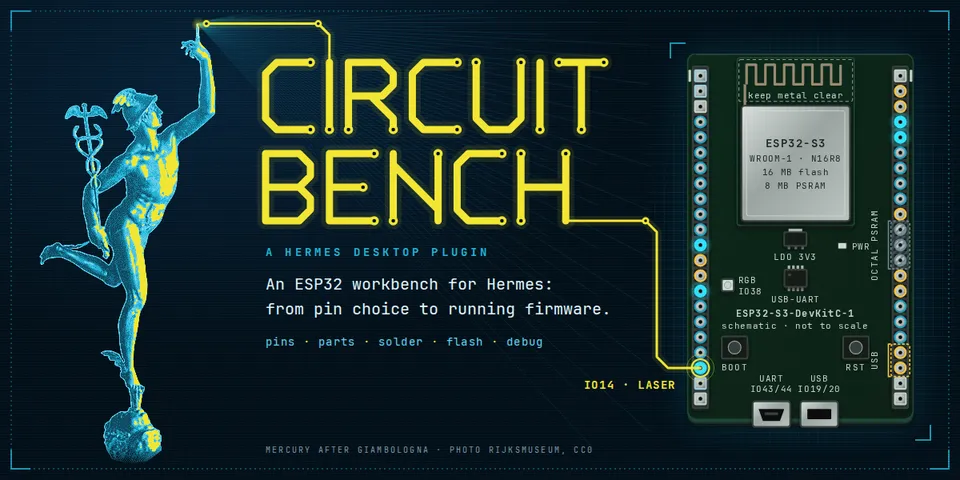
ESP32 workbench for Hermes and Hermes Desktop, from pin choice to running firmware: checks GPIO choices for ESP32, S2, S3, C3 and C6 against Espressif data, sizes parts with 16 calculators, draws schematics, plans the solder order, builds and flashes with your PlatformIO and esptool, and decodes panics to function and line so Hermes can fix them. 180 modules carry datasheet-cited values. Every verdict and value comes from code with its source, never from the model. A marked simulation runs the whole flow without hardware.
Good to know before installing
runs your own pio, esptool and addr2line as subprocesses (no shell, minimal environment); a build runs the firmware project's PlatformIO scripts with your user rights and asks first; opens serial ports only on request, which can reset the board; writes firmware only with 'Allow flashing real boards' on (off by default) and after confirmation; a schematic can also be saved as a new SVG into a folder you or the agent name (out_dir); background threads only while a port is open or the Bench is in use; no network calls from the plugin (PlatformIO may download packages on a first build), no telemetry, no credentials; data under <HERMES_HOME>/plugin-data/circuit-bench/.
From its catalog listing.
How to install
- Install it. Hermes asks for any API keys it needs, then asks whether to turn it on.
hermes plugins install circuit-bench - Said no? Turn it on later:
hermes plugins enable circuit-bench - Restart Hermes so it loads the plugin.
Some plugins also need a sign-in or settings: see Full setup & settings. Memory plugins ask whether to become your memory provider instead. Steps follow the official plugins guide (opens in a new tab).
- Category
- Everyday life & fun · Hermes Desktop add-ons
- Maintained by
- juvenile454 (Community)
- Needs
- No API keys declared
- Adds tools
bench_projectbench_pinsbench_calcbench_schematicbench_solderbench_boardbench_crash- Adds hooks
pre_tool_call- Works on
- linux, macos
- Needs Hermes
- 0.22.5 or newer
- Version
- 0.1.0
- In the catalog
- 2026-11-10
Known issues (from its catalog listing)
- A session-scoped /yolo and one-shot runs (hermes -z, which bypass approvals by design) are not visible to plugins: there Hermes passes agent builds, flashes and serial port openings without asking. Keep 'Allow flashing real boards' off (the default) while you use either.
- Real boards need PlatformIO Core (pio), esptool and serial port access (group dialout, or uucp on Arch); the simulation mode needs none of them. Real boards tested on Linux only (ESP32-S3-DevKitC-1 and WT32-ETH01); macOS is covered by CI in simulation mode; ESP32-C3, ESP32-S2 and ESP32-C6 are checked offline only.
- On the command line, install with --enable (or answer 'Enable now?' with y); otherwise the tools and the Bench backend stay off. Without a terminal (scripts, SSH, an agent) also add --yes-deps; otherwise Hermes skips the dependencies and the plugin stays off. After a command-line install the Desktop half stays off until you switch on Desktop in the Circuit Bench row under Capabilities > Plugins; installing from Hermes Desktop turns it on.
- A firmware stuck in a crash loop can keep the board from entering its bootloader on its own: hold BOOT, tap RESET, release BOOT and flash again.
Using the Hermes desktop app? See where plugins live

Full setup & settings ↗Source code ↗
More in everyday life & fun
All everyday life & fun plugins
New Hermes Agent updates every day on X. Follow @HermesWatcher