
Vibe Relay
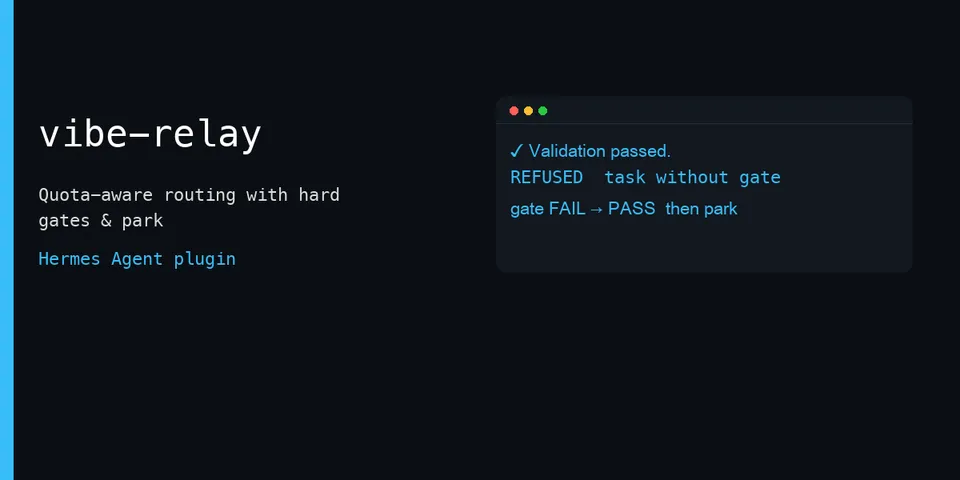
From its catalog listing
Vibecoding without burning your best model. Sets Hermes `delegation.backend` to a quota-aware strategy: when remaining usage is above a threshold (default 51%) the parent model keeps the work (`self`); otherwise each `delegate_task` is routed to a configured cheap executor (provider+model or profile). When the executor lane is selected, a `pre_tool_call` hook blocks the parent from `patch`/`write_file` and obvious terminal writes (`sed -i`, `>`/`>>`, `tee`) so coding work must go through `delegate_task` (children never blocked; `enforce_executor_lane` default true). At `stop_used_percent` (default 90% used) the same hook blocks parent `delegate_task` and writers, auto-parks once per reset window (handoff + one one-shot cron), and injects `parked until …; do not start new work` via `pre_llm_call`; the block lifts after reset or when used drops below stop. Every task must carry `allowed` path globs and a `gate` command — exit 0 alone is not done. A `post_tool_call` hook captures gate PASS output bound to a working-tree hash; `pre_verify` continues the turn until a fresh PASS exists; `vibe_accept` checks changed paths ⊆ allowed. Manual `/vibe park` and blueprint `resume-after-reset` remain. Ships an Agent Workshop of 14 portable skills (build/debug loop, architecture audit, harness+evals, context budget, memory/retrieval, known-errors registry, frozen-tree review, product-aware releases, subagent-driven development, companion maintenance, lean executor orchestration, field-first acceptance, TDD, systematic debugging) registered as `vibe-relay:<name>` via `skill_view`. Vendors DEV Framework tools (`df_init`, `df_check`, `df_nav`); `df_check` returns the gate command for the agent to run via `terminal` (approvals apply).
Good to know before installing
quota via public `fetch_account_usage(..., read_only=True)` at most once per 180s into `$HERMES_HOME/plugin-data/vibe-relay/` (empty fetches: 15s negative TTL; no private usage-cache import); checklist/handoff slugs confined to `[A-Za-z0-9._-]+` under `docs/`; park skips resume-cron inside `HERMES_CRON_SESSION` unless `cron.allow_agent_scheduling`; `df_init`/`df_nav` run the plugin's vendored scripts with `python -I` and a scrubbed child env; `df_nav` never executes the target's navigate.py; `df_init` refuses Hermes home, `$HOME` itself, filesystem root, and protected $HOME dots; acceptance uses session terminal cwd when none is passed; template scripts may call `git`/`gh` only when the user or agent runs them; cron via `cronjob_manage`; no credential-file reads; no YOLO shells.
From its catalog listing.
How to install
- Install it. Hermes asks for any API keys it needs, then asks whether to turn it on.
hermes plugins install vibe-relay - Said no? Turn it on later:
hermes plugins enable vibe-relay - Restart Hermes so it loads the plugin.
Some plugins also need a sign-in or settings: see Full setup & settings. Memory plugins ask whether to become your memory provider instead. Steps follow the official plugins guide (opens in a new tab).
- Category
- Coding & developer tools · Automation & multi-agent
- Maintained by
- trenthalden (Community)
- Needs
- No API keys declared
- Adds tools
vibe_acceptdf_initdf_checkdf_nav- Adds hooks
pre_llm_callapi_request_errorpre_tool_callpost_tool_callpre_verifysubagent_startsubagent_stop- Works on
- linux, macos
- Needs Hermes
- 0.22.5 or newer
- Version
- 0.3.2
- In the catalog
- 2026-11-10
Using the Hermes desktop app? See where plugins live

Full setup & settings ↗Source code ↗
More in coding & developer tools
All coding & developer tools plugins
New Hermes Agent updates every day on X. Follow @HermesWatcher