
Tmux Live
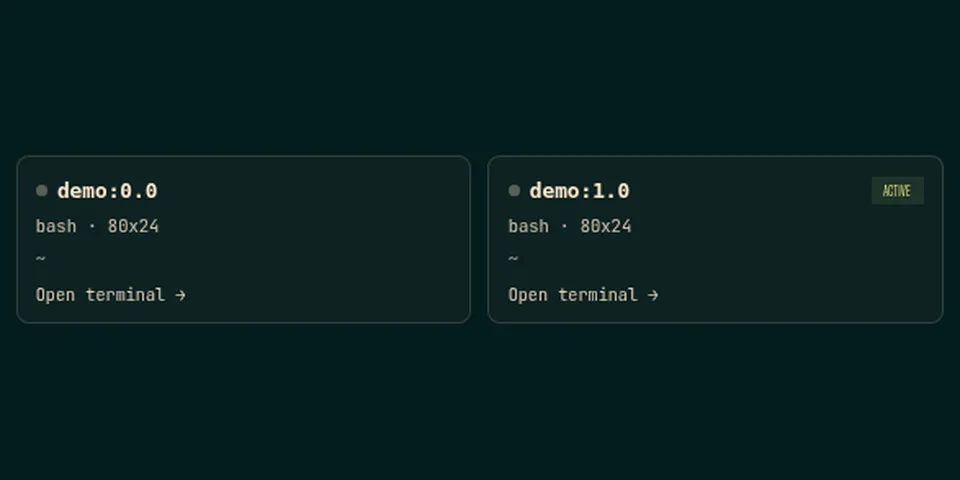
From its catalog listing
Live tmux tab for the Hermes web dashboard: pick a pane, watch it in ANSI colour, type into it when needed, and terminate the process, pane or session.
Good to know before installing
calls the local tmux binary with argv lists (capture-pane, send-keys, kill-pane, kill-session), can signal the pane's foreground process group, and probes /proc/<pid>/root/tmp for the tmux socket when the dashboard runs under systemd PrivateTmp. No network access, credentials, telemetry or self-updater. English and Spanish UI.
From its catalog listing.
How to install
- Install it. Hermes asks for any API keys it needs, then asks whether to turn it on.
hermes plugins install tmux-live - Said no? Turn it on later:
hermes plugins enable tmux-live - Restart Hermes so it loads the plugin.
Some plugins also need a sign-in or settings: see Full setup & settings. Memory plugins ask whether to become your memory provider instead. Steps follow the official plugins guide (opens in a new tab).
- Category
- Coding & developer tools
- Maintained by
- maksymhs (Community)
- Needs
- No API keys declared
- Works on
- linux, macos
- Needs Hermes
- 0.23.0 or newer
- Version
- 1.2.3
- In the catalog
- 2026-11-12
Known issues (from its catalog listing)
- The view is a one-second mirror, not a PTY attachment, so typed characters appear on the next poll.
- Only panes belonging to the same user and host as the dashboard are visible.
Using the Hermes desktop app? See where plugins live

Full setup & settings ↗Source code ↗
More in coding & developer tools
All coding & developer tools plugins
New Hermes Agent updates every day on X. Follow @HermesWatcher