
Secret Guard
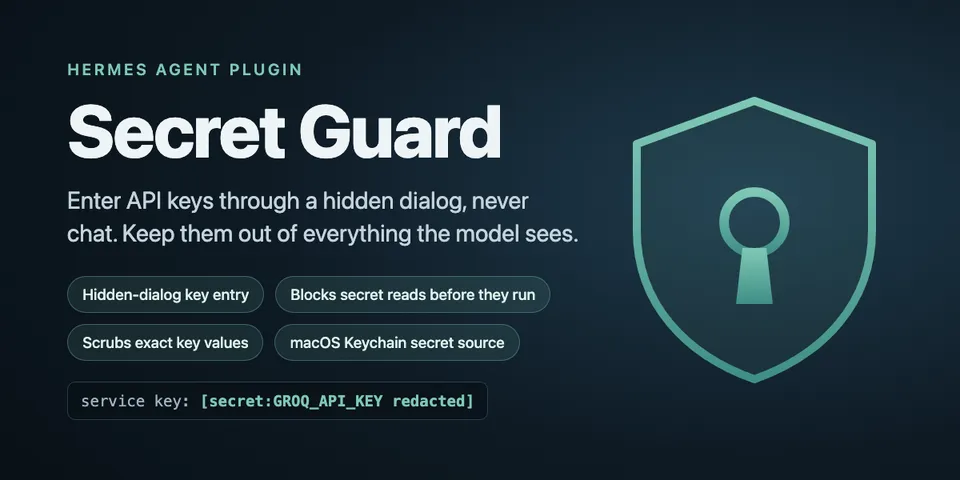
From its catalog listing
Enter API keys through a hidden dialog into the macOS keychain, never chat; block and scrub secrets before any model sees them.
Good to know before installing
Secret Guard stores the keys you enter in your macOS login keychain as `hermes-<ENV_VAR>` items created with `-T /usr/bin/security`, so any process running as your user can read them without a prompt; it runs `/usr/bin/security` and `/usr/bin/osascript` (hidden-input dialog), observes every tool call, tool result, terminal output and model reply to block or redact registered secrets, keeps a names-and-fingerprints-only registry under the Hermes root, and makes no network calls.
From its catalog listing.
How to install
- Install it. Hermes asks for any API keys it needs, then asks whether to turn it on.
hermes plugins install secret-guard - Said no? Turn it on later:
hermes plugins enable secret-guard - Restart Hermes so it loads the plugin.
Some plugins also need a sign-in or settings: see Full setup & settings. Memory plugins ask whether to become your memory provider instead. Steps follow the official plugins guide (opens in a new tab).
- Category
- Security & privacy
- Maintained by
- ChasClogston (Community)
- Needs
- No API keys declared
- Adds tools
secret_request- Adds hooks
on_session_startpre_llm_callpre_tool_calltransform_tool_resulttransform_terminal_outputtransform_llm_output- Works on
- macos
- Needs Hermes
- 0.23.0 or newer
- Version
- 1.0.0
- In the catalog
- 2026-11-09
Using the Hermes desktop app? See where plugins live

Full setup & settings ↗Source code ↗
More in security & privacy
All security & privacy plugins
New Hermes Agent updates every day on X. Follow @HermesWatcher