
ROS 2 Console
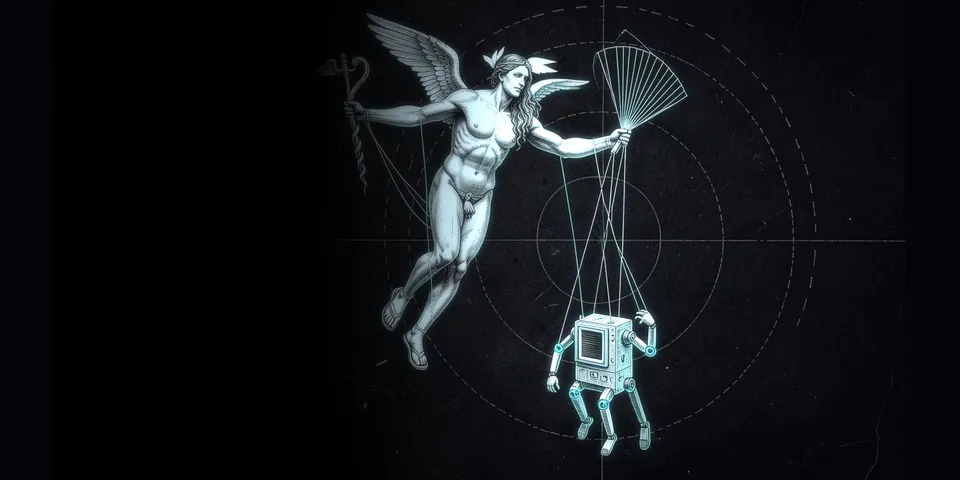
From its catalog listing
Read a live ROS 2 graph over SSH: topic health, measured rate, one message, camera frame, doc answers with commit provenance, and one gated publish that proves delivery.
Good to know before installing
runs fixed ros2 CLI scripts on the robot over SSH using your own SSH config and agent (or locally with bash when no host is set); the agent may choose any SSH host per call, and new host keys are accepted on first connect (StrictHostKeyChecking=accept-new); publishing is off until you set publish_allow topic globs, and actuation-style topics are always refused.
From its catalog listing.
How to install
- Install it. Hermes asks for any API keys it needs, then asks whether to turn it on.
hermes plugins install ros2-console - Said no? Turn it on later:
hermes plugins enable ros2-console - Restart Hermes so it loads the plugin.
Some plugins also need a sign-in or settings: see Full setup & settings. Memory plugins ask whether to become your memory provider instead. Steps follow the official plugins guide (opens in a new tab).
- Category
- Coding & developer tools
- Maintained by
- vgenev (Community)
- Needs
- No API keys declared
- Adds tools
ros2_host_statusros2_graphros2_topic_rateros2_topic_sampleros2_camera_snapshotros2_docsros2_publish- Needs Hermes
- 0.22.0 or newer
- Version
- 0.1.0
- In the catalog
- 2026-11-10
Using the Hermes desktop app? See where plugins live

Full setup & settings ↗Source code ↗
More in coding & developer tools
All coding & developer tools plugins
New Hermes Agent updates every day on X. Follow @HermesWatcher